UVM is rolling out the new Catamount WordPress theme, which brings improved performance, modern design, and closer alignment with native WordPress functionality.
Most sites will migrate smoothly—but there are a few important changes you should know about before and after your transition.
This guide explains exactly what to expect so you can prepare.
Watch the full video overview
Overview: What’s changing?
The Catamount theme:
- Aligns more closely with native WordPress
- Automatically applies UVM branding
- Improves performance and consistency
✅ For most sites, migration is straightforward
⚠️ However, WordPress itself has evolved significantly since the previous (2019) theme—so some updates are required.
Change 1: Navigation is now block-based
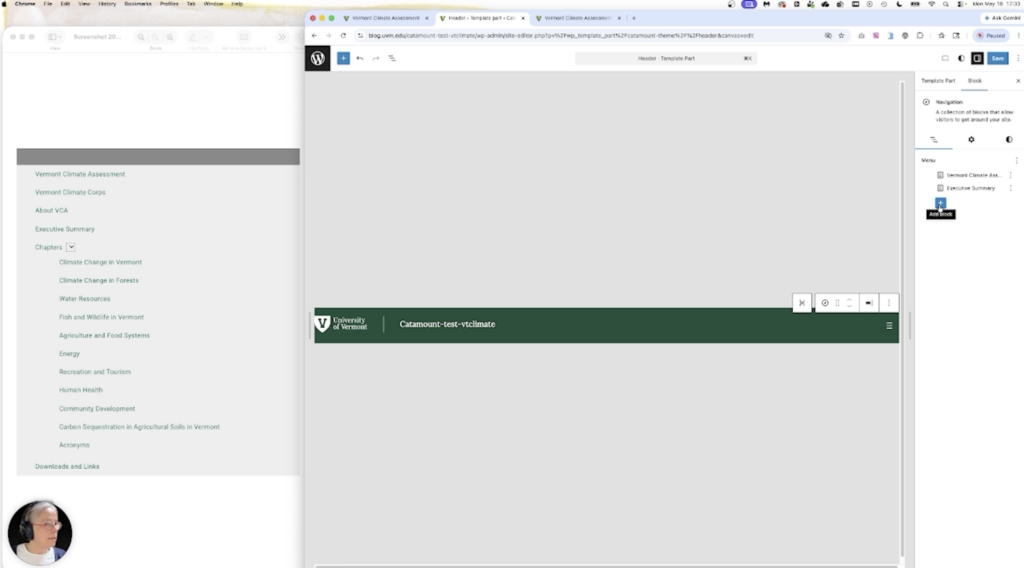
One of the biggest changes is how navigation menus are built.
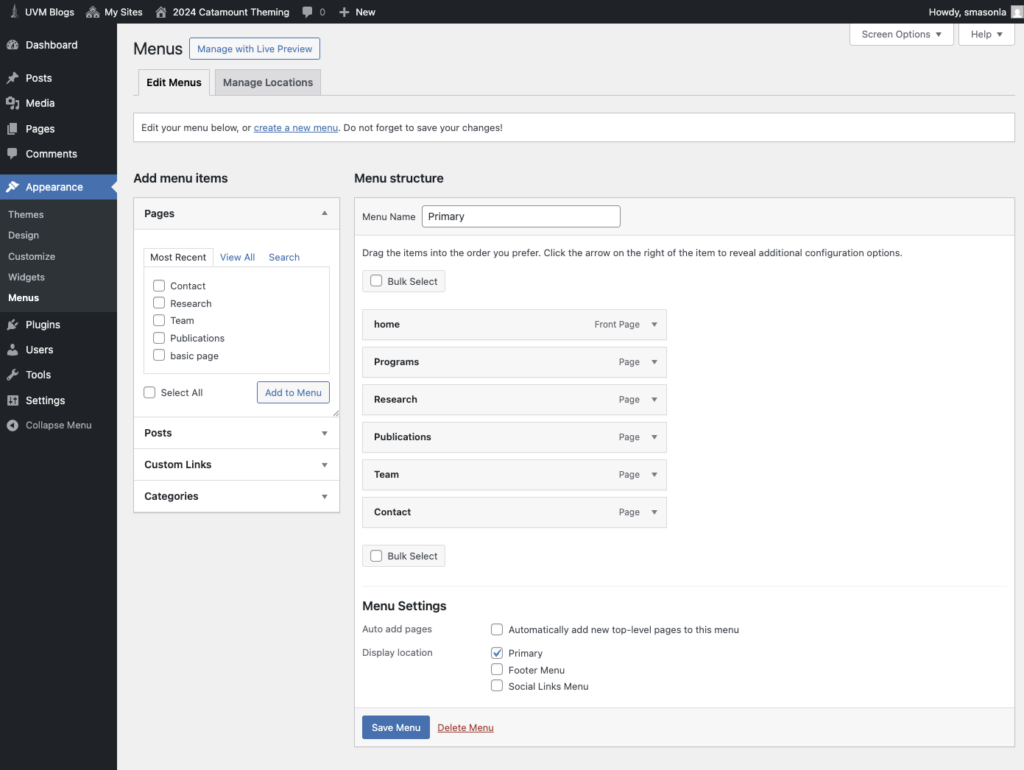
Old system (Classic menus)
- Built using the Menu tool
- Drag-and-drop interface
- Familiar dropdown structure
New system (Block-based navigation)
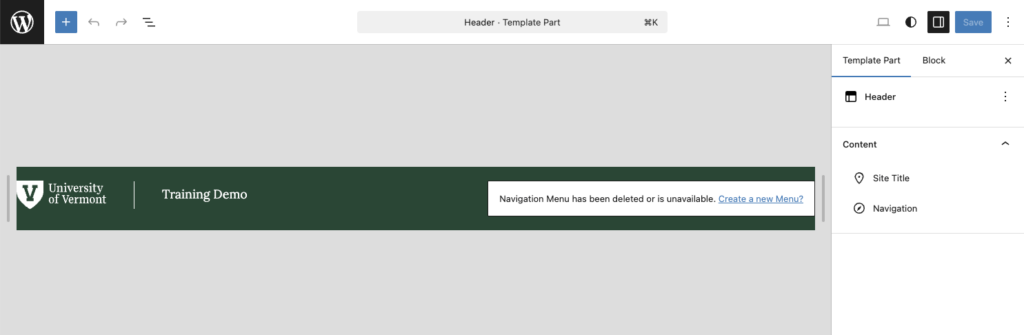
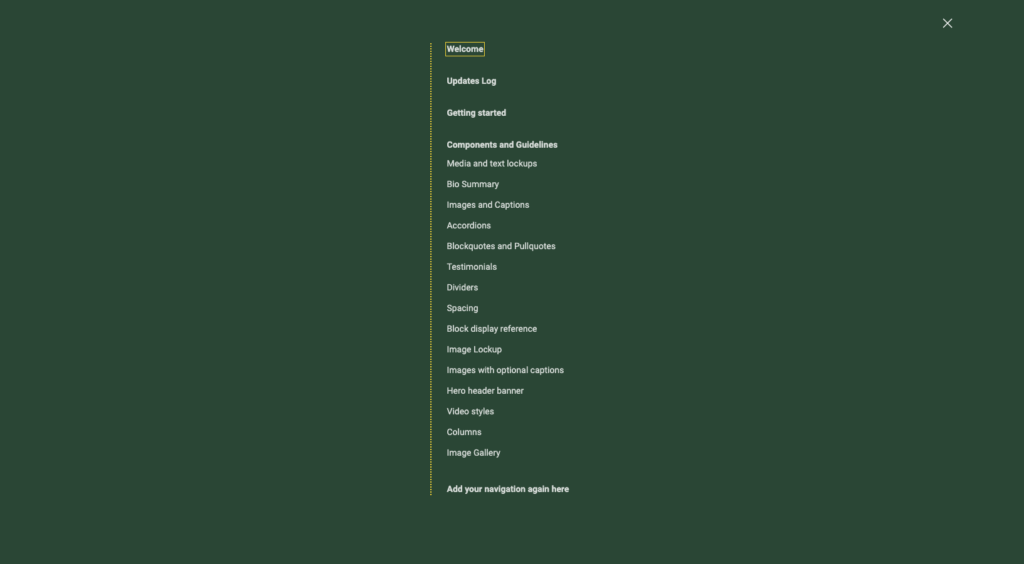
- Navigation is created inside the Site Editor
- Menus are part of the header
- Built using blocks instead of the classic menu tool
What this means for you
⚠️ Your existing navigation will not carry over automatically
✅ You will need to:
- Rebuild your navigation manually
- Use your current menu as a reference
💡 Tip: Take a screenshot of your existing navigation before migrating.
Change 2: Atomic Blocks are no longer supported
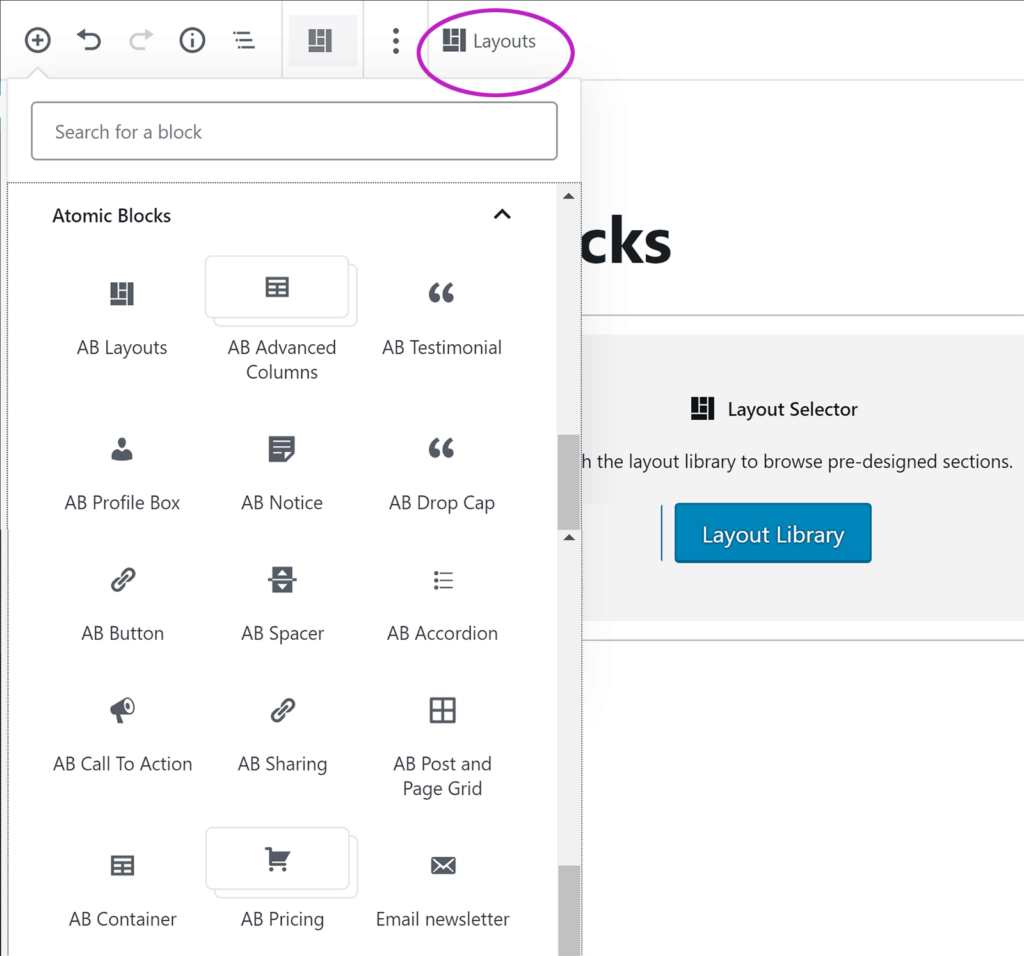
If your site uses Atomic Blocks (AB Blocks), this is the second major impact.
What are Atomic Blocks?
They were commonly used for:
- Accordions
- Multi-column layouts
- Styled content sections
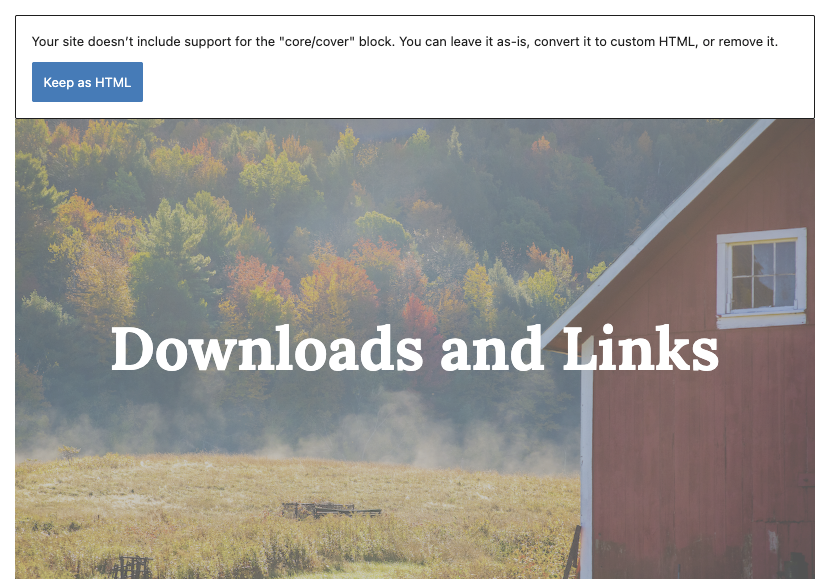
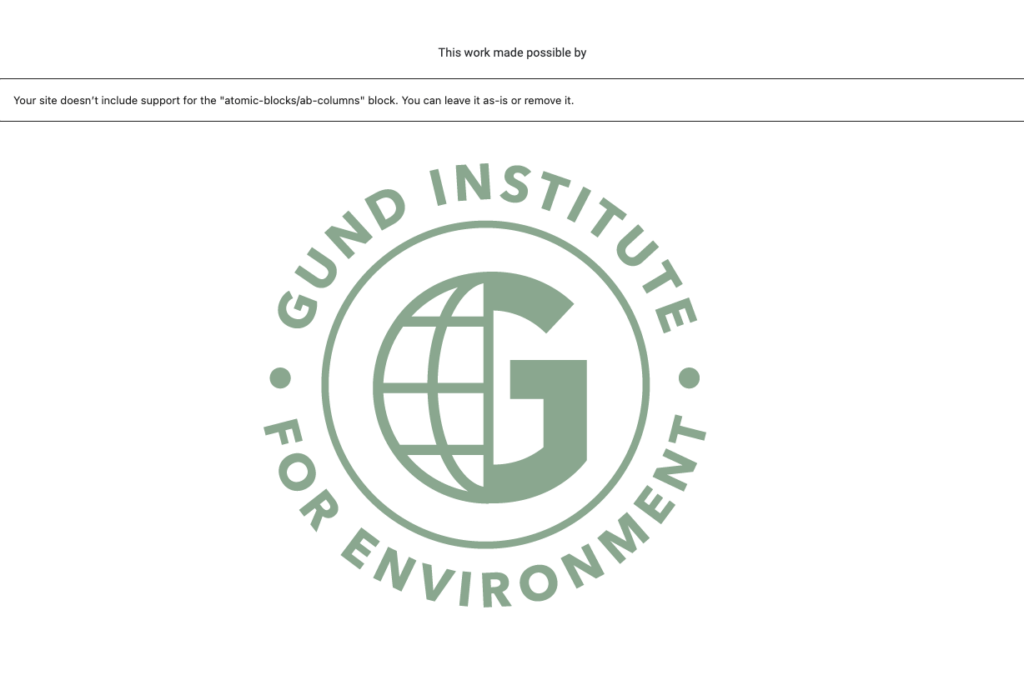
Here are some examples of where Atomic Blocks have been used and how they display when migrated to the new site. These layouts will need a little layout attention.

What’s changed?
⚠️ Atomic Blocks has been deprecated and is no longer supported in WordPress.
This is a platform-wide change (not specific to UVM).
Important note
There is no one-size-fits-all solution for rebuilding layouts.
Each page will need:
- Individual review
- Custom adjustments using modern blocks
Change 3: The palette has changed
The UVM brand has also evolved since the last UVM WordPress theme was created in 2019. Notably, the palette has been simplified and there are less colors. Because of this, there may be some surprises with how the old palette colors map to the new palette. You may lose background fills, for example.
Make sure you review your pages after migration.
✔️ Reassign background colors if they have changed
✔️ Reassign type colors if they have changed (this is not expected)
What does NOT require major changes
✔️ Your content will migrate easily
✔️ Pages not using Atomic Blocks will migrate cleanly
✔️ Your pages and posts will still exist
✔️ Branding will automatically update
In most cases, you are refining—not rebuilding your entire site.
Support available
To help with the transition, UVM is providing:
WordPress help hours
- Get hands-on assistance
- Ask questions about navigation or layouts
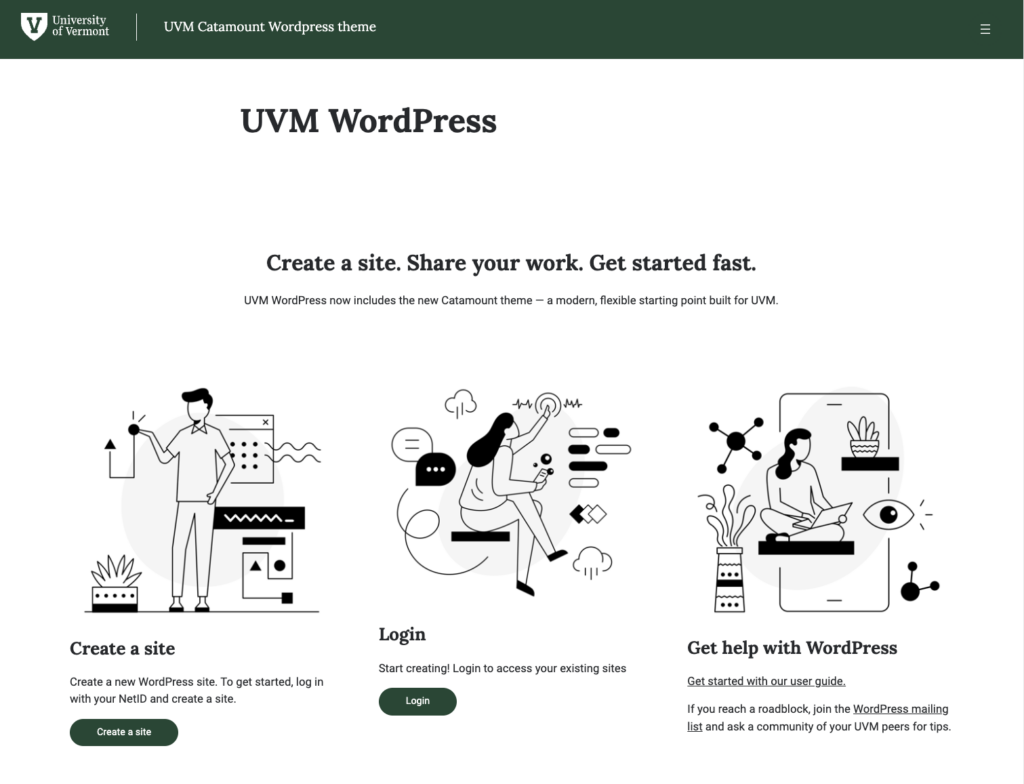
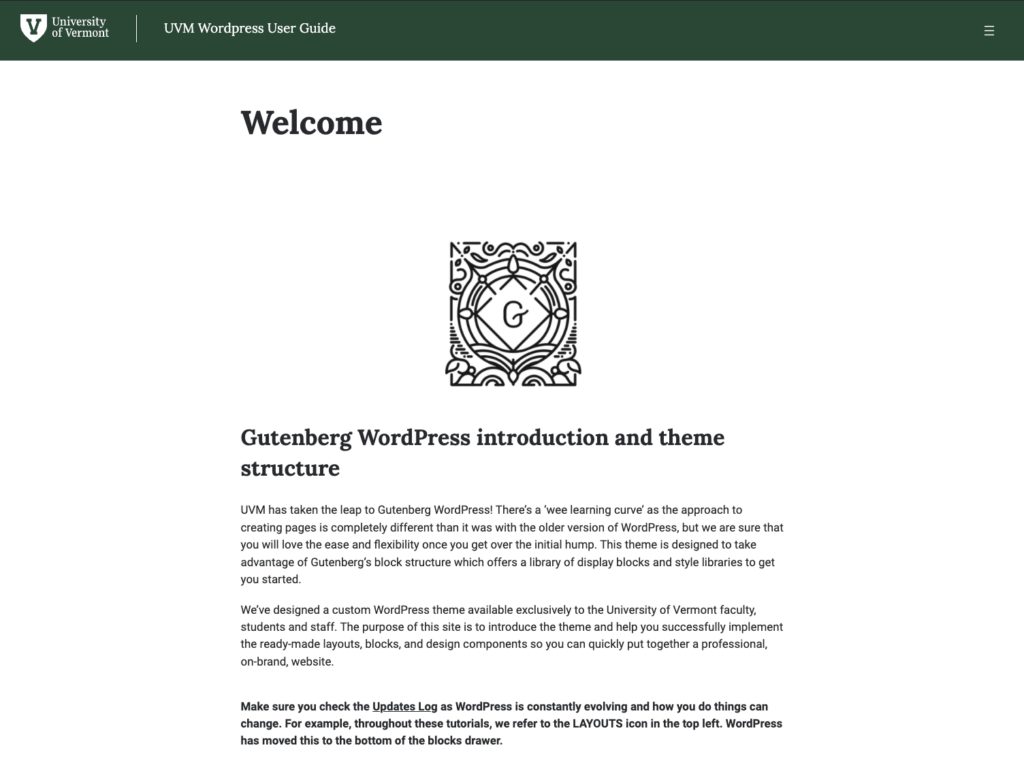
WordPress guide
- Step-by-step documentation
- Best practices and examples
Tips for a smooth migration
Before migrating:
- Screenshot your navigation
- Identify pages using Atomic Blocks
- Plan time to review layouts
After migrating:
- Rebuild navigation
- Fix layout issues
- Test key pages

Final thoughts
The Catamount theme is a major step forward:
✔️ More flexible
✔️ More sustainable
✔️ Better aligned with WordPress
✔️ More support from the larger WordPress community
While a few updates are required, most are manageable—and you’ll only need to do them once!
Need help?
If you have questions at any point:
- Reach out for support
- Attend help hours
- Use the WordPress guide