• A-Z
  • Directory
  • myUVM
  • Loading search...

CESS iPad/iOS User Group

iPad Summit

Posted: April 22nd, 2013 by cesstech

VT Educators!

Please join us for a day of iPad-focused sharing and learning. Educators who attended the iPad Summit in Atlanta will share their inspirations and takeaways as well as implications for iPad use in their practice and schools. We’ll be offering facilitated workshops in the morning, giving way to an unconference and maker-space afternoon session. Also on site: a gallery walk featuring apps and artifacts from the classroom. Detailed programming listing to follow.

Complementary lunch provided by SugarSnap. Certificate of attendance available for documentation of professional development hours.

9am – 4pm, May 11th
Edmunds Middle School, Burlington VT

Reserve your seat: http://tarrantipadsummit.eventbrite.com

Audrey’s Storify Recap of the Maps Session

Posted: April 13th, 2013 by cesstech

http://storify.com/TarrantInstitut/map-apps-for-the-ios?utm_medium=sfy.co-twitter&awesm=sfy.co_iHVX&utm_content=storify-pingback&utm_source=t.co&utm_campaign=

Maps

Posted: April 5th, 2013 by cesstech

These are my notes from today’s session, including information provided by Hope beforehand.  Please feel free to add to them in the comments section. Sincere thanks to Hope for preparing this information and presenting today. -Adam

I am always looking for apps that let you do something… list is split by consuming things and creating things.-Hope Greenberg

I am thinking of ways to interface with place and having that community based learning experience.- Alan Tinkler

See Walter Poleman’s placed based work.

Hope’s Dog Map, a map she made of dogs along a running route.

Considerations when selecting apps:

  • Check to see which map service the app is using: google, mapquest, etc.  Make sure that will fit your needs.
  • Also consider what you can do with the data after you have taken it.  Most can email, but how else can you the data be used? KML is a file format that will work with Google Maps.

A list of applications for your consideration from Hope Greenberg:

Create things:

  • Google Earth (the Mothership)- Free
  • My Places for Google Maps (Add pins, lines, and areas to The Mothership)
  • MyMaps (Add pins, lines, and areas to The Mothership)- $1.99  A mashup of google and google maps, with GPS. You can layer a Google map image over the map you are working on. Save maps in one’s google account, login to Google Earth or maps.google.com with the same google account and pull it into Google Earth or Google Maps, export as a KML file. Embed maps in blogs, blackboard, etc. Click the Collaborate button in maps.google.com to find a customized URL.
  • KMLMapHD (see all kinds of data details about your KMZ/KML maps – haven’t plumbed the depths on this one quite yet)-$3.99
  • KMZ Loader (doesn’t quite work as it should but it gives an easy way to see the guts of a KML file)-Free
  • iMaps+ (good for displaying routes for directions)- $1.99
  • Maps (the built-in iPad app that is not quite as good as iMaps+)-Free
  • GPS Toolbox (basic GPS program)- $2.99
  • Galileo (record, save, share your GPS track as you walk or drive it)-Free. It is possible to save the file as a KML file, which can be imported into Google Earth.
  • Field Notes- Free version let’s you take photos and notes. Upgrade for $10 allows you take audio and video along with photos and notes. Provides more visuals and cues for space, with geo reference for where you are.
  • Everywhere

Consume geography things:
HistoryMaps (a collection of maps of historical sites/events)-Free
National Geographic World Atlas- $1.99
WorldMap (a free map of the world but annoying in it’s determination to make you buy the pay version)- Free
TapQuizMap (timed game)- Free
There are plenty more kids/games types here:
http://bestappsforkids.com/2012/02/readers-choice-best-geography-apps-for-kids/

Follow up questions:

Do you need cell and WiFi for these apps?

Apps/Resources shared by the group:

CCTA now is working with Google Maps for local bus service.  There is also the blirp it  web service for UVM buses.

iMotionHD- stop motion video- free

Aris- tool for making location based stories, games, and art.

iPad As website- lots of useful recommendations.


A link to more app recommendations

Posted: February 11th, 2013 by cesstech

From Ars Technica:  http://arstechnica.com/apple/2013/02/from-mailbox-to-tweetbot-7-ios-apps-to-check-out-this-weekend/#p3n

The last app, MyScript Calculator, is a a nice bridge between unconventional and conventional mathematical print when using a calculator.  I have used it with my son at home and it is pretty slick (and free!).

Article: Why Tablets Are Important for Educating Our Children

Posted: December 5th, 2012 by cesstech

With thanks to Bonnie Birdsall from the Williston School District for the reference (via Twitter), this article was an interesting read:  http://www.wired.com/geekdad/2012/11/tablet-edtech/

Notes from November 16, 2012 Meeting

Posted: November 16th, 2012 by cesstech

Thanks to everyone for joining the group today.  Here are the notes:

Agenda:

  • Connect to the Smart Board and show 3 apps.
  • Group Troubleshooting
  • Follow-up

Apps (with links to App Store entry)-

Scribble Press- book authoring and sharing (Free)

Doceri- Screen casting and sharing (Free)

Notes Plus-Note taking ($7.99)

Penultimate-Note Taking ($.99)

Blackboard Mobile- mobile access to blackboard.uvm.edu ($1.99 a year or $4.99 for a lifetime)

KMLmapHD- GPS mapping with export feature for further use in Google Earth ($3.99)

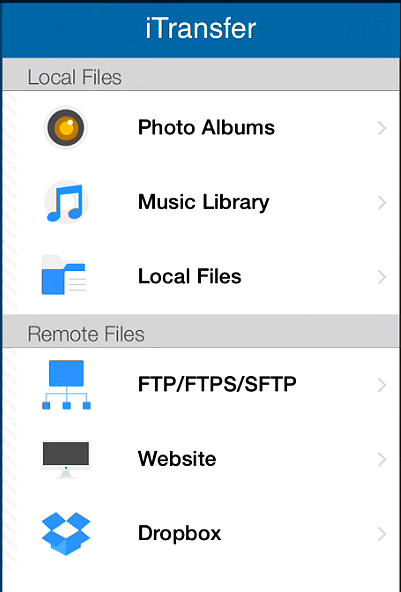
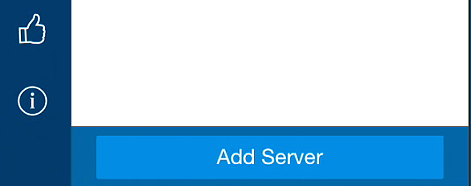
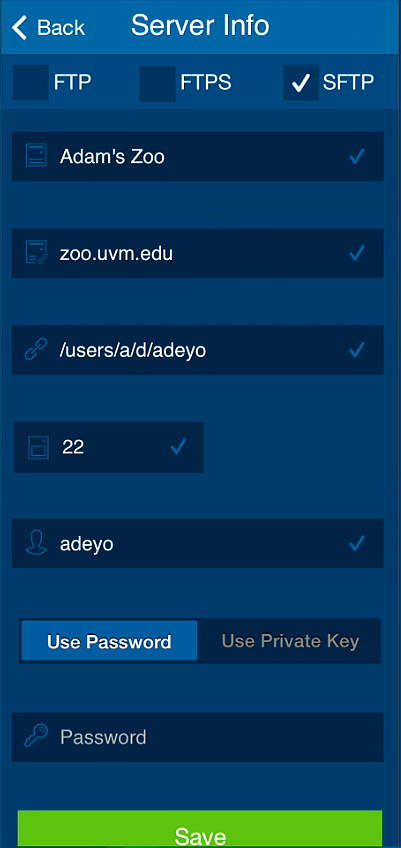
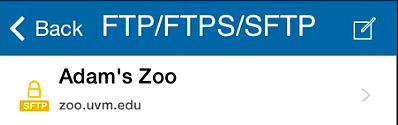
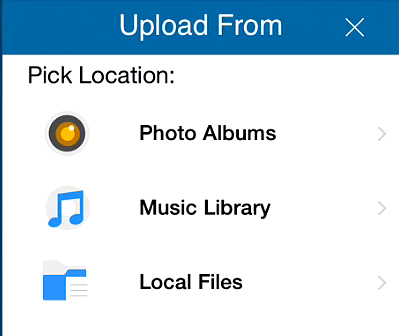
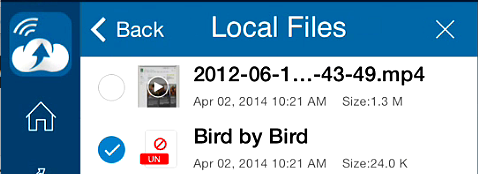
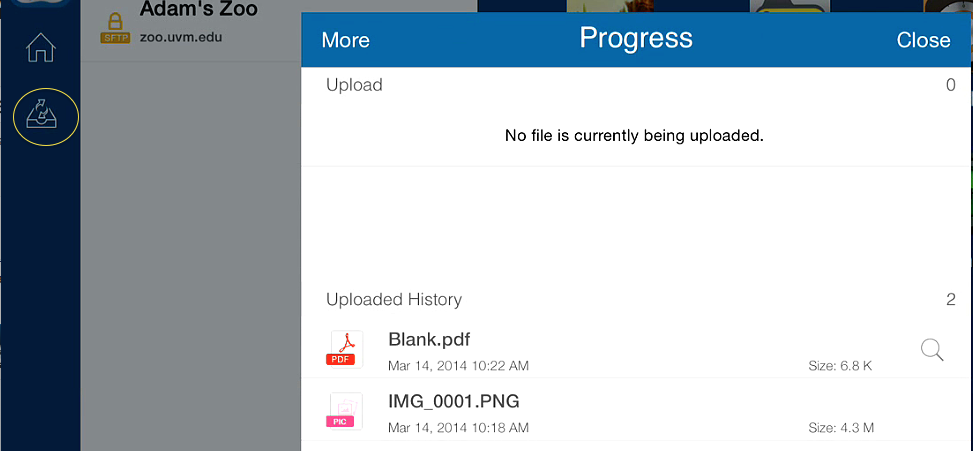
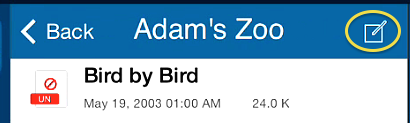
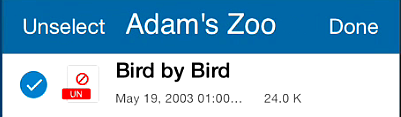
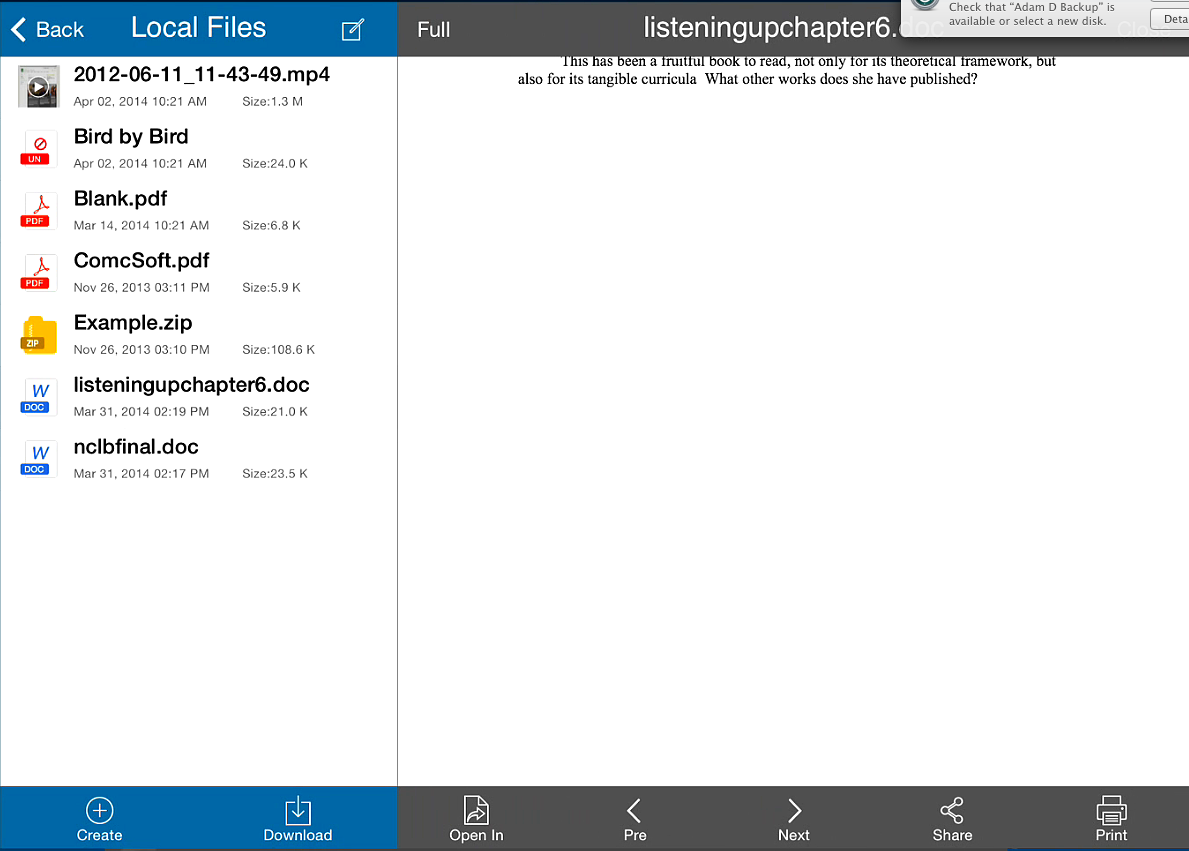
WebDAV Navigator- Copying files from iOS device to Zoo Webspace, see tutorial in previous post (Free)

Atomic Web Browser Lite- Alternative to Safari web Browser (Free)

Atomic Web Browser Full…- Alternative to Safari, more fully featured than Lite version ($.99)

Tablet Scanner- Scan documents by taking a picture, with OCR functionality ($2.99)

Overdrive Media Console- Library eBooks and Audio Books (Free)  *EPUB format seems to work better in this app

Color Splash- convert photos to black while keeping other parts in color ($1.99)-

PDF Annotators- Good Reader ($4.99), iAnnotate ($9.99)- , PDF Notes (Free)- , Adobe Reader (Free)-, Evernote (Free)-, Zotero- http://www.zotero.org

Troubleshooting/Advice-

Tap on the black bar (with time, battery life, wifi, etc.) to go back to the top of the of the page.

Press and hold on a letter in the keyboard for more options

Four finger gestures- swipe to the side to move from app to app, swipe up for most used apps

Moving files off the device to UVM servers- Use WebDAV Navigator

Follow-up

Have the next meeting in 303 Bailey Howe (Center for Teaching and Learning) and alternate

lunch time meetings?  Stick with Friday.

Spread the word


iPad/iOS User Group Meeting Reminder

Posted: November 9th, 2012 by cesstech

Hello Everyone,
This is a reminder for the iPad/iOS User Group meeting on Friday, November 16, at 9 a.m. in 539 Waterman.  A warm welcome to folks from the CTL group who will be joining us as well. Our agenda for the hour is:
  • Favorite Apps (please bring an iOS device if you have one)- Connect the device to the Smart Board projector (we have adapters). Show apps that you use here at UVM or others that you have observed in relevant professional contexts.
  • Group troubleshooting- Talk about challenges or successful workarounds that you have encountered.
  • Next steps for integration and professional development.
  • Schedule next meeting.
In the meantime, here are some interesting (and short) articles to consider before the meeting:

WebDAV Navigator

Posted: October 26th, 2012 by cesstech

There is more information about WedDAV Navigator available. Since files uploaded with the app are placed directly into your public_html folder on the zoo servers, it is important to create a password protected folder prior to using the app.   Otherwise, anyone can find the file you uploaded with a simple web search.  This is specifically important for files, pictures, or videos that contain confidential material (such as images or videos of children).

I have outlined the process in this little video tutorial (apologies for the verbal stumbles, monotone voice, and other delays.  James Earl Jones was not available for the voice over):  https://www.uvm.edu/~cesstech/podcast_folder/show.php?fn=/wedavnavtutorial.mov

The handout for password protection referenced in the video is located here:  http://www.uvm.edu/~cess/technology/worksheets/PDFS/tfthowto_passwordprotect.pdf

Although this adds an extra step, it is good practice for students, faculty, and staff to maintain the confidentiality of the material we use.

First Group Meeting Notes

Posted: October 8th, 2012 by cesstech

A small group of us met for the first time, so the notes will be short but substantive! Many thanks to Carmen Smith and Haley Wooside-Jiron for participating.

iOS Apps:

Work

Fun

  • 53paper- journaling with different art mediums
  • eyeWitness
  • Pandora
  • Starwalk
  • LeafsnapHD
  • RunKeeper
  • Cards

Each of these apps were projected to the SmartBoard using adapters available in the Technology for Teaching Lab.

Troubleshooting:

We talked about using WebDAV Navigator to move files from the iPad to the an individual’s Zoo account at UVM.  One possible scenario:  While in a school observing a student teacher, you could use the video camera on the iOS device to record the student in action.  Then you could use WedDAV Navigator to place a compressed version of that video right in the student’s Zoo server space for further reflection after downloading and possible integration into the student’s portfolio.  This could happen if there was a wireless connection in the school and after the student entered their netid and password into WebDAV Navigator.  After transferring the video , you can delete that student’s login credentials.

After some testing today, one can save a Pages file to their Zoo server space and open it for editing in Pages right from WebDAV Navigator on an iOS device. I’d be happy to demonstrate this or the other scenario above for anyone interested.

Syncing files from computers to iOS devices caused some trouble for folks in general.  There are several services out there that will sync items, but one needs to be aware of the restrictions around specific data types that cannot be stored on third party servers.  The bottom of page 4 and page 5 of the UVM Information Security Policy list the types of information that cannot be stored on third party servers:  http://www.uvm.edu/policies/cit/infosecurity.pdf .

The group decided to try another meeting in two months, however that will be at the very end of the semester.  If anyone would like to meet before the end of the semester, please indicate so in the Comments section.  If you would like to continue the conversation here on the blog, please comment as well.

Thanks to all for your interest in the iPad/iOS User Group.  Looking forward to the ongoing conversation.

Contact Us ©2010 The University of Vermont – Burlington, VT 05405 – (802) 656-3131